



G. David Felt
Premium Subscriber
-
Joined
-
Last visited
Everything posted by G. David Felt
-
 Canoo is excited to announce their preorder reservation system is now open with a minimal $100 deposit. Canoo Inc. has stated that their first BEV will be their Lifestyle vehicle launching in 2022 with a targeted pricing of starting from $34,750 and rising to $49,950 for delivery, base and premium models before incentives or optional equipment. Pickup Truck and MPDV scaled production are scheduled to begin in early 2023. CEO and Executive Chairman of Canoo Inc. Tony Aquila states the following: “It’s no longer a question of whether America will go EV – but when. Our line-up is future-forward and succeeds where others have struggled: Giving people the EV that works smarter for them at a price that can work for their budgets. That’s why we are designing for flexible use cases and focused on productivity solutions,” “We are designing for people who work hard, play hard and need something reliable, that will last and give you value. We’re for the 99% not the 1%. Our vehicle line-up is built for the backbone of America – to give you value so you can work smarter.” Designed as a cabin forward to maximize interior space and function with exportable power and customization options is what the Canoo Lifestyle Vehicle is all about. Available in four trims: base, premium, adventure and Lifestyle Vehicle Delivery. The Lifestyle Vehicle is the ultimate multi-tasker designed for the family that is constantly on the go. Without the need for an engine compartment, the Lifestyle Vehicle features the unique street view window for improved driver visibility. The Adventure trim has more ground clearance with a muscular profile. The bumpers are enhanced along with the auto having metal skid plates added for increased vehicle durability. Canoo's signature headlights and taillights serve as a core brand identifiers without the need for a logo. The companies proprietary and highly versatile multi-purpose platform architecture will under pin all models from the Canoo lineup of BEVs. The Lifestyle Vehicle has the interior space of a large SUV with an exterior footprint of a compact car and is made for urban, adventure, families, fleet, ride hailing and more. Anticipated specifications: 300 hp 332 lb-ft of torque 250 miles of battery range Ready for work or play, the electric pickup truck is an ALL-AMERICAN made cabin-forward, steer-by-wire technology design built on their modular multi-purpose platform architecture. The truck has an extendable flatbed that Canoo believes will compete with America's best selling pickup trucks on a smaller footprint allowing for an easier to maneuver and more convenient to drive. The pickup truck was designed for all users with features that work from on-site jobs to out in the woods comfort. Exportable power, advanced exterior lighting, fold down worktable, cargo storage, flip-down side-tables, sidesteps and storage, extendable bed with space dividers and multi-accessory charge ports. Anticipated specifications: AWD or RWD motor configurations 500 plus HP 550 lb-ft of torque Payload capacity of 1,800 lbs., 200 plus miles battery pack range The MPDV or Multi-purpose delivery vehicle is designed to maximize return on investment for a wide range of commercial customers (fleets) and yet still keeps small business and families in mind depending on configuration. The MPDV was built with last-mile delivery companies in mind initially. High efficiency with class leading cargo space offer cost savings allowing businesses to reinvest and thrive. From independent contractors, tradespeople, utilities, service technicians and more. Bi-directional onboard charging maximizes functionality and transforms the BEV into a power plant for equipment and tools that can be powered even in remote destinations. The vehicle was designed to accommodate workstations to store and access a variety of devices, products and equipment. Depending on configuration, anticipated specifications: 200hp 236 lb-ft of torque 250 miles battery pack Pricing, features, and performance metrics are all estimated and can change. Final vehicle specifications will be revealed at production launch. Promises Kept – Canoo Pricing For Lifestyle Vehicle Is Accessible For Everyone | Press | Canoo
 -
I am figuring it will be between 1,500 to 2,000 pounds depending on which size you order.
-
Hurst This! Days of selling Sex with Cubic Inches! Another for @oldshurst442


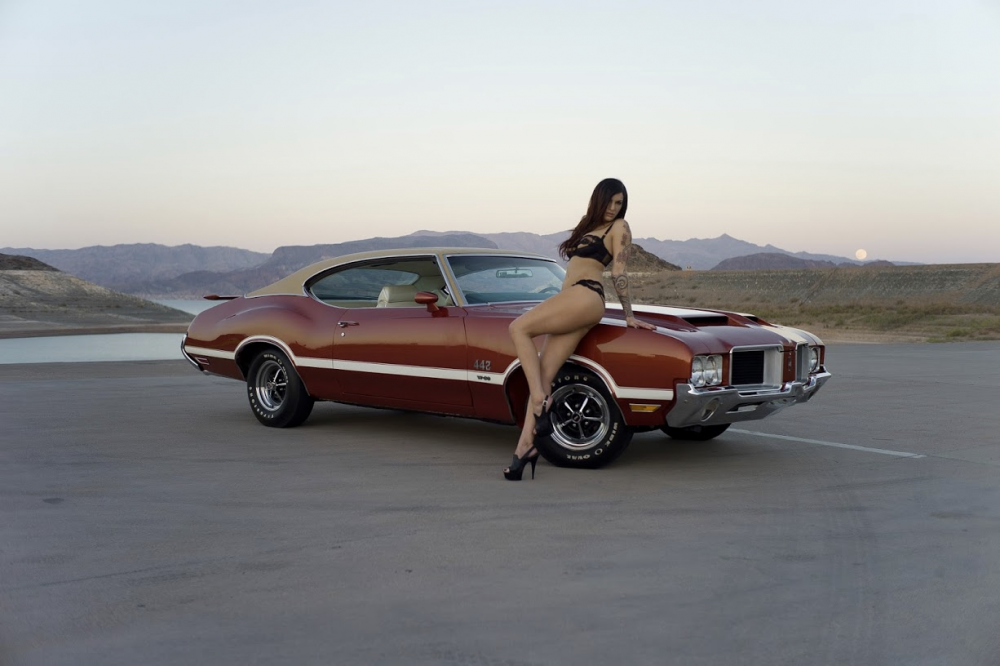
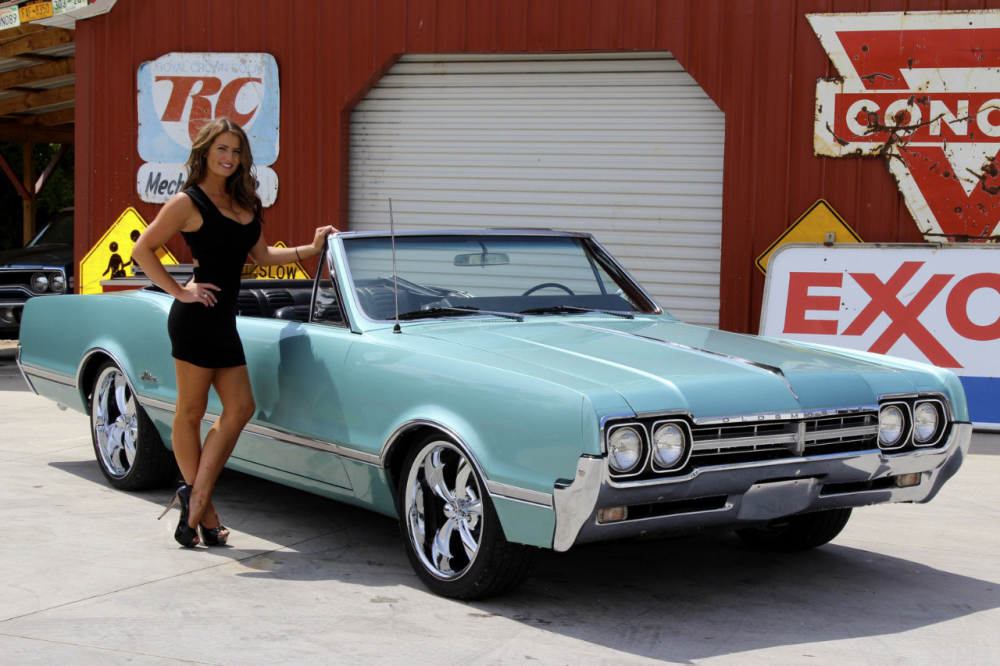

-
@oldshurst442 Pure Sex in a Sedan for that 442! ?
-
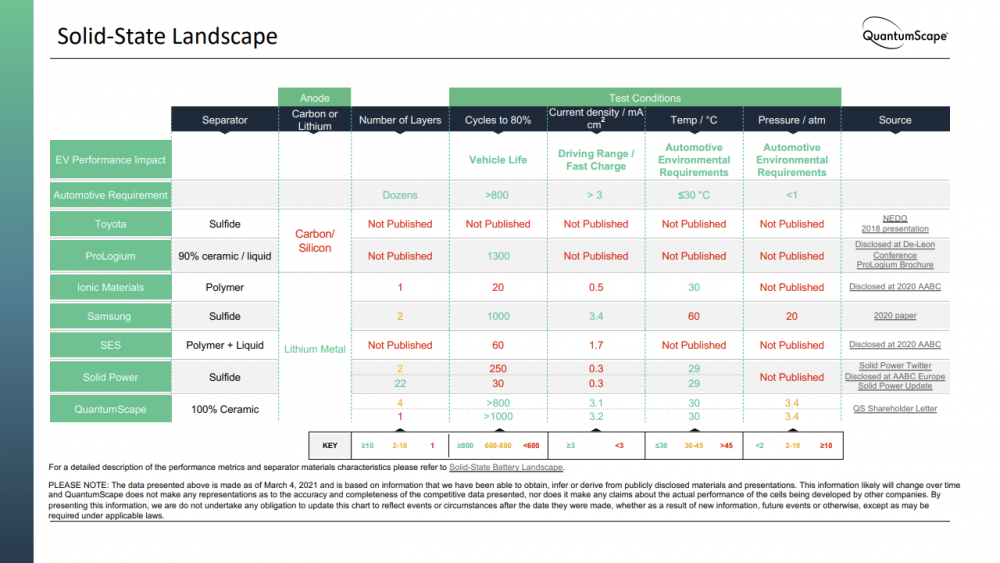
Just too much going on this week to write up something. Seems the latest in Solid State Batteries can easily handle 10,000 fast charges with no damage for the Lithium Metal SS batteries. 10,000 fast charges: Researchers claim their solid-state EV battery solution will last longer (greencarreports.com) The company bringing to market these new solid state batteries Electric vehicles are here, the future is solid - QuantumScape Presentations on the technology Presentations & Videos - QuantumScape Details on the BLT style of designed solid state batteries Solid-State Battery Landscape - QuantumScape
-
Not everyone has a dream car, more of it just hits the right look, feel, etc. Kinda like how my family and others I hear all the time talk about a favorite color, favorite actor, actress, concert, band, etc. I honestly never have felt that way about anything, just love technology advances for the time period and how they intrigue me. American Cars was the Monte Carlo SS Aero Buick GNX Nissan Skyline 33, 34 Suburban's Trucks Colors, I like them all, never had a favorite or a dream color. Actors being the closest I could say I am a fan of is Arnold due to his body building as I was a 12yr old, 6ft tall mess when my dad took me to the gym and asked a coach how to get me coordinated. As such, body building and power lifting became a big part of my life as did everything Arnold. Actresses, never had a single favorite, can clearly point to a wide variety of lovely woman. Asian woman I know I can point to two TV shows that got me hooked. Shogun (TV Mini-Series 1980) - IMDb Tai-Pan (1986) - IMDb Otherwise, no wet dream, dream auto, dream color, dream home, etc. Multi-Cultural colors of the world are my thing!
-
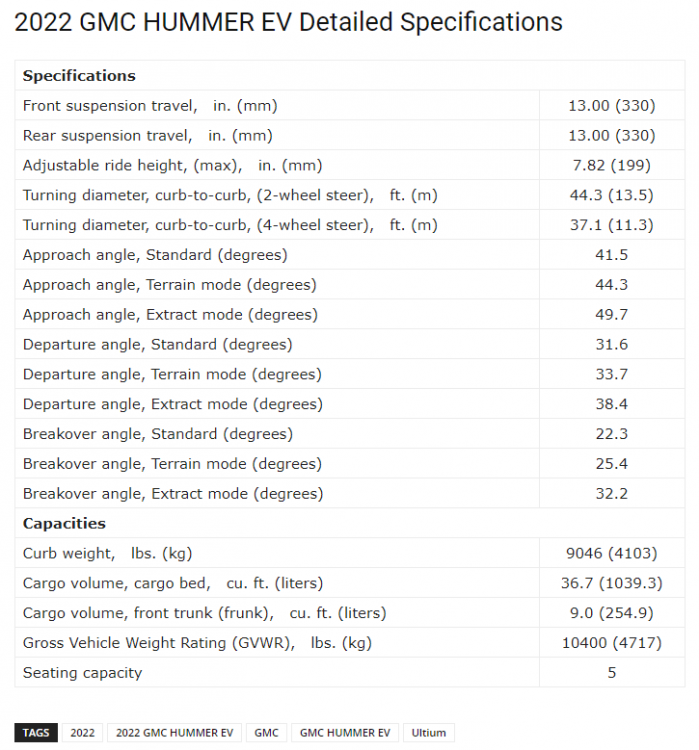
Heavy yet impressive when you look at the full chart. Thanks for posting the link. Some recent break throughs on solid state battery with 4 times the energy density will shed weight fast. I will post a write up on the new Lithium Metal Solid State batteries from QuantumScape soon.
-
@Robert Hall Even ARNOLD knew the Buick was the ride to be in for 1986 Raw Deal

-
I DID NOT say Greatest car of the eighties, I said QUOTE: Handling is a personal preference, Interior is a personal preference, some loved the Lazy Boy recliner approach, others preferred the racer approach and even more liked a compromise between the two. Yet there was also nothing stopping people from adding on GM performance parts to the suspension to give it the road carving capability with the straight line performance. All of which people do with both Asian and European auto's. Still for the 80's, the GNX was a TOP PERFORMANCE SEDAN!!! I find nothing that could compete with it from any of the other brands at the time and we all know this.

-
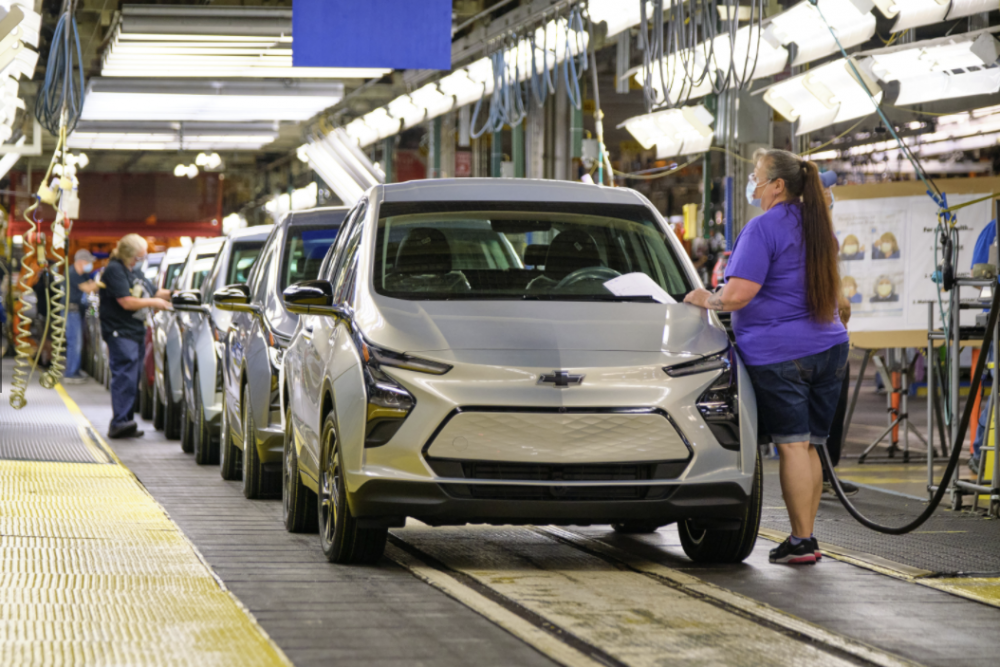
GM has confirmed to Green Car Report that the 2022 Chevrolet BOLT and BOLT EUV has been shipped out 1 month early to dealerships and will arrive any day now. 2022 Chevrolet Bolt EUV and Bolt EV ship out to dealerships early (greencarreports.com)
-
Where is the Asian performance auto's at this time of the GNX? Where is Mercedes Benz, BMW, Audi or VW? Who says Americans cannot build top performance sedans? ?
-
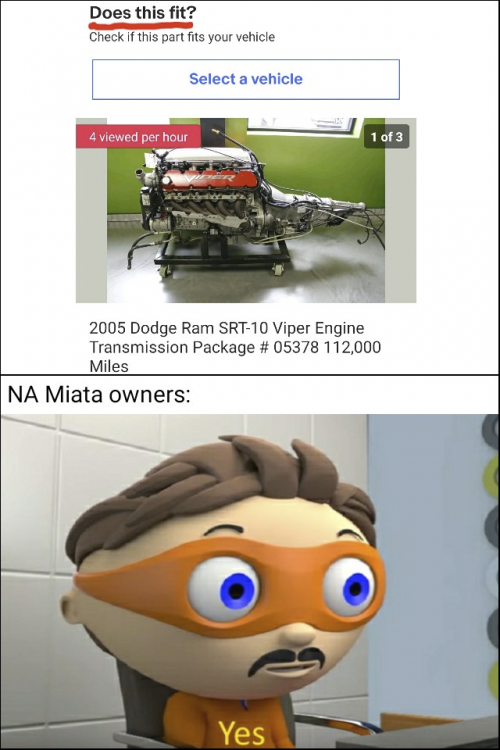
Perfect solution for that Miata!
-
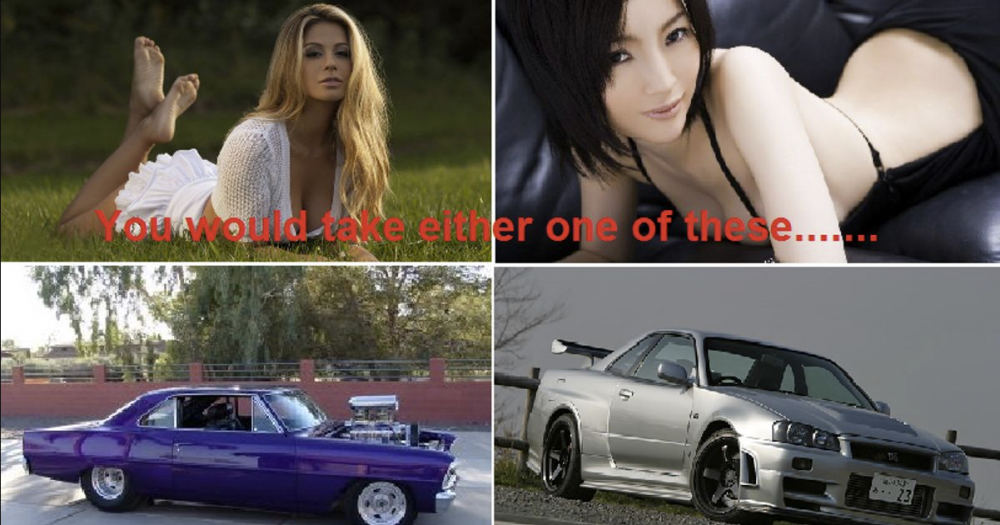
At the heart of every red blooded man! A PERFECT GENERIFICATION of Cars!

-
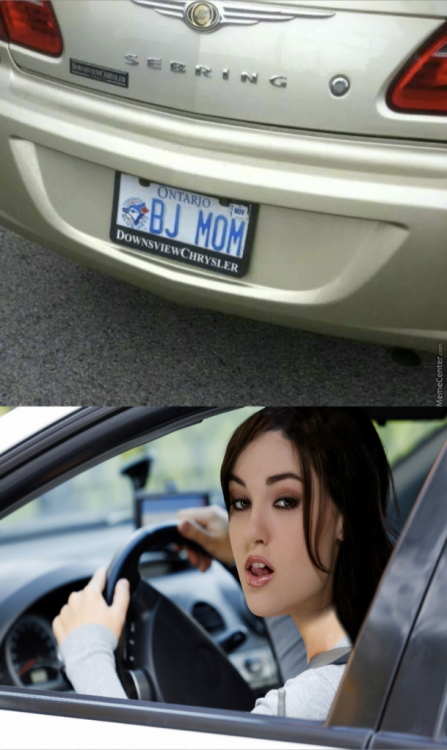
H'mmmmmmmmmmmmmmmmm ? Is this a reason to move to Ontario?????????????????????????????????? This is too funny!!!

-
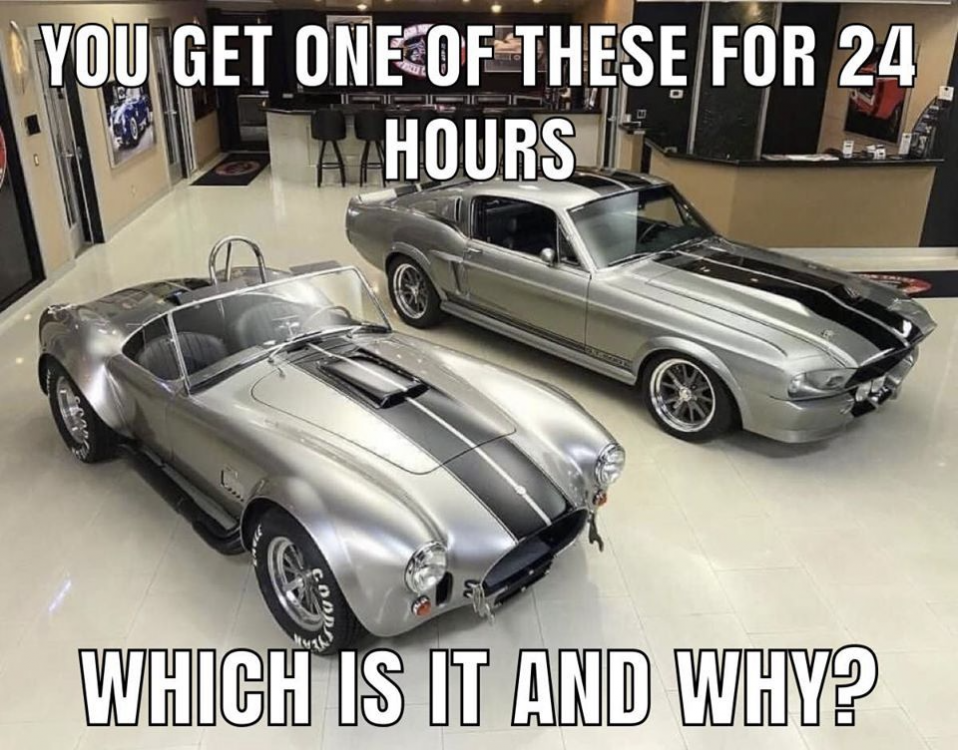
Quoted for Truth on Cars! And your choice is????????????????????????????????????????????????????????? Too Funny!!! Love this, I would so take a Road Runner any day over the butt ugly Bugatti The PERFECET MEME for @balthazar The dream of dreams for @oldshurst442



-
Funny American Muscle Meme's ROFLMAO


-
This is a very interesting turn of events ? In 2010, Daimler and Nissan entered a strategic agreement to co R&D for future auto development and this included a substantial investment by each company in each other via stock purchases. They say this will remain in place and yet Nissan has sold their complete stake in Daimler of 16,448,378 shares or 1.54% of Daimlers outstanding shares to a tune of 1,149 Billion Euro's worth or 1,397 Billion US. Nissan says that at this time, the full proceeds will be used to promote and develop electrification of their auto portfolio. Nissan has stated that the agreement for future collaboration will stay in place between the two companies. The interesting part is that they make no statement about using Daimlers EV platform, batteries or any other tech from Daimler. Instead it appears Nissan will strike out on their own for their own R&D of electrification. Nissan sells its entire stake in Daimler (nissannews.com) ? This does make one wonder about the tagline of "The Best or Nothing" when your partner decides to unload a hefty investment in your company and to expand their own R&D to build additional BEV auto's.
-
Hit upon some very cool videos: Gotta say I am loving that 66 Riviera lights! Course love the front end too!You can add Rottweilers, German Shepard's, Doberman Pinchers and a few others to that same dog attack list. I have known amazing gentle Pitbull's and some that needed to be put down. I do agree with what you say, but also would like to point out that dog socialization with others and how the owner treats / trains the dog to be just as responsible for the outcome.Awesome, so happy you and your wife got vaccinated!But they say this is Premium Luxury!My whole family, both sisters family and both sides of grand parents are all fully vaccinated with either Pfizer or Moderna. My son's girlfriend and her family is all vaccinated. Honestly, the science is very sound and 40 years of research with Vaccine and cancer treatment use since the early 90's. This is the type of reporting you will find all over if you want a generalized news souce. What is mRNA? How Pfizer and Moderna tapped new tech to make coronavirus vaccines (nbcnews.com) If you are into science and want to understand deeper what mRNA is all about, then this is an excellent science souce. What is mRNA? What you should know about the key ingredient in some COVID-19 vaccines (phys.org) Plenty of additional sources and of course a ton off the CDC, but thought I would post this for you to consider. Hope you choose like most people and get vaccinated soon.I understand, I have always voted on the skills of the person, not a party but sadly, yes plenty of folks did vote for this overkill of oversight. Amazing how many people are not willing to learn how to properly learn a skill set.Mercedes-Benz is expanding their portfolio with the forthcoming T-Class EQT small van. Mercedes says the T-Class design is distinguished by balanced proportions and a sensual surface design. Muscular shoulders, striking wheel wells underline the T-Class power and emotive appeal. The EQT has characteristic black panel front with LED healights that flows seamlessly from the bonnet and gleams with a star pattern. The various sized 3D stars are featured throughout the BEV from the front to the back and the 21-inch light-alloy wheels with a high-sheen finish to the panoramic roof and the electronic long board in the rear. You will also find an LED light strip that connects the LED headlamps with the rear LED rear lamps with the van finished in a high gloss piano finish. To quote the Chief Design Officer Gorden Wagener, "The Concept EQT is a new, holistic van with the Design DNA of “Sensual Purity” The interior is an emotional, stylish statement according to the EQT team of blacks and whites. The use of luxury nappa plaited leather from seats to doors and center consoles with a strong use of recycled leather. Everything is a touch of luxury in soft touch surfaces, touch control steering wheel to interactive MBUX infotainment system. The ease of getting what you need done safely while driving is as easy as saying Hey Mercedes via the voice assistant system. This system is cutting edge with the use of A.I. to allow self learning in customizing the response and features to the owners. An example is if you routinely call someone on your way home from work, the system will suggest their phone number on the display at that time of day every day of your work week. MBUX helps with it's A.I. predictive functions. Full details can be reviewed in the Mercedes-Benz press release link at the bottom. The Concept EQT will come to global markets starting in 2022. The T-Class van series will follow the commercially positions Citan that comes out 2021. EQT has the following Length/Width/Height of (195 inches / 73 inches / 72 inches) is is a dual sided sliding doors and can be had with or without a 3rd bench seat for a maximum of 7 passengers. Premiere of the Concept EQT – forerunner of a new premium quality in the small van segment - Daimler Global Media Site View full article


Important Information
We have placed cookies on your device to help make this website better. You can adjust your cookie settings, otherwise we'll assume you're okay to continue.