Skip to content

G. David Felt

Premium Subscriber
  • Joined

  • Last visited

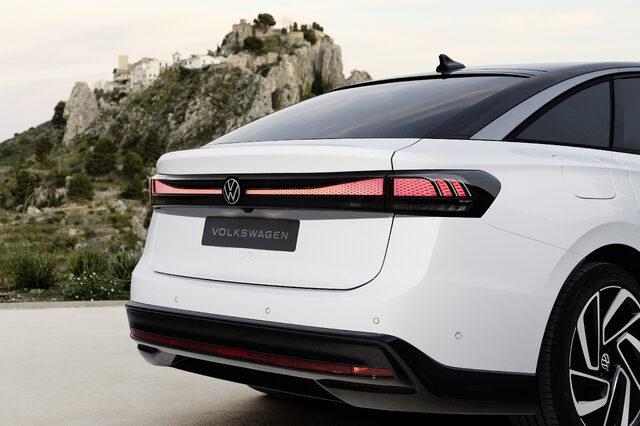
Everything posted by G. David Felt

  1. Cartoons
  2. Yes that would be true, but I have to still question if there is an engineering reason behind this.
  3. @surreal1272 I get your point and totally agree that GM has plenty of faults too. It is just funny that people tout Toyota as if it can do nothing wrong when they have had plenty of problems.
  4. @Robert Hall Thought of you with this video.
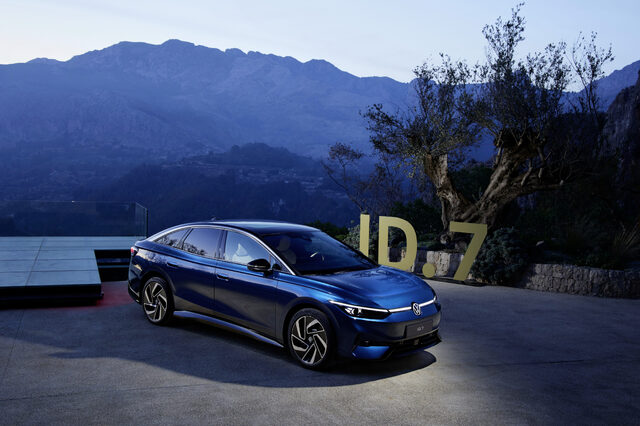
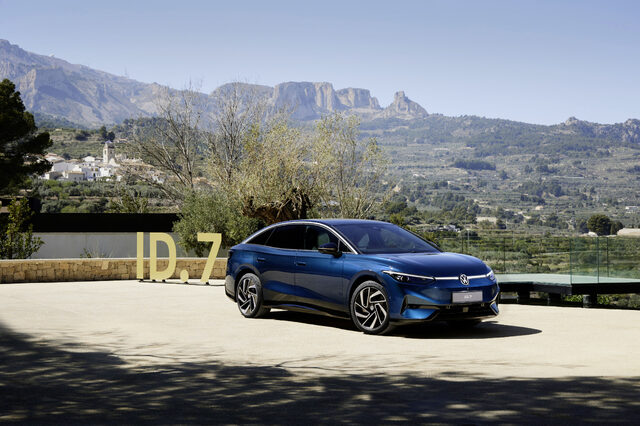
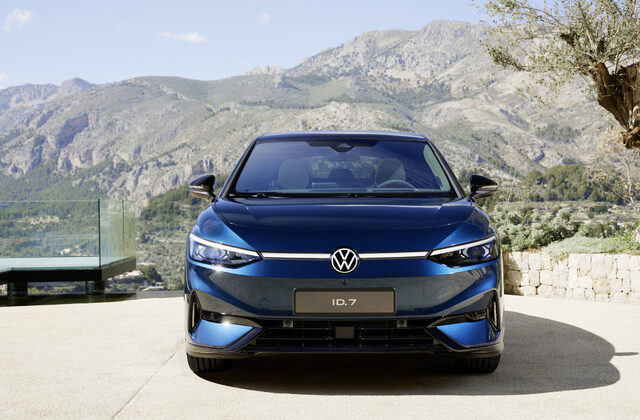
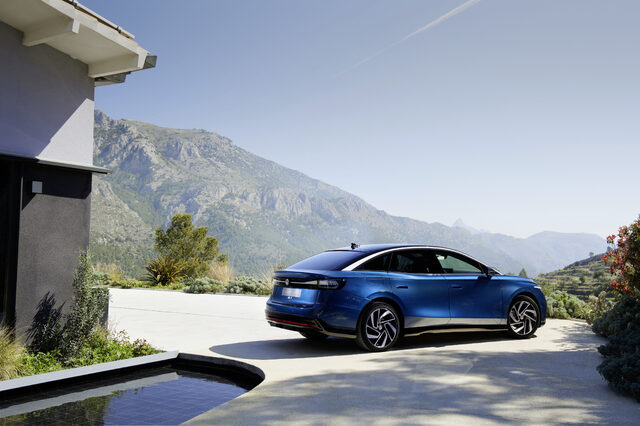
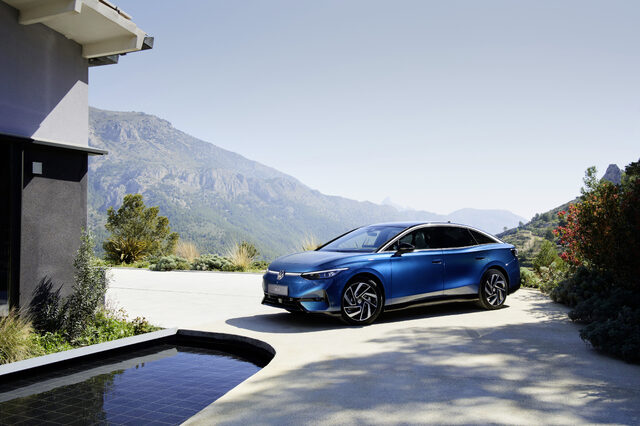
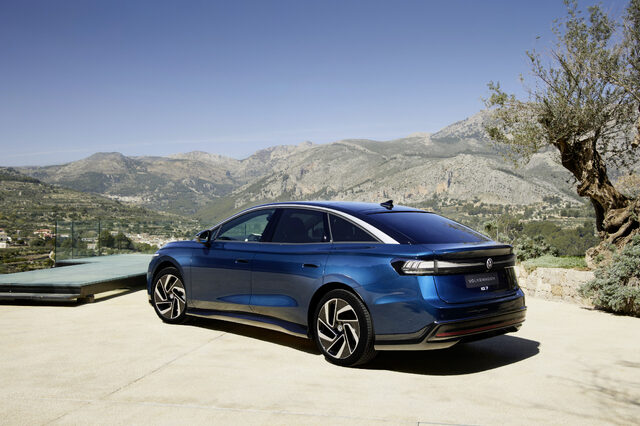
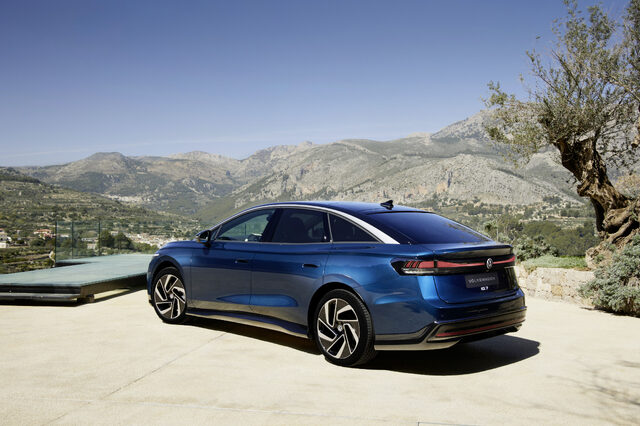
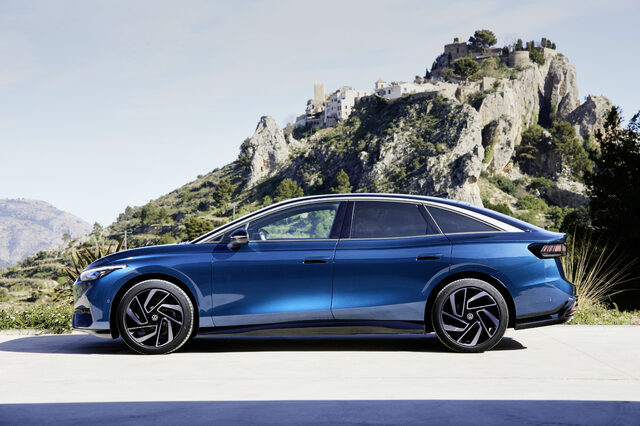
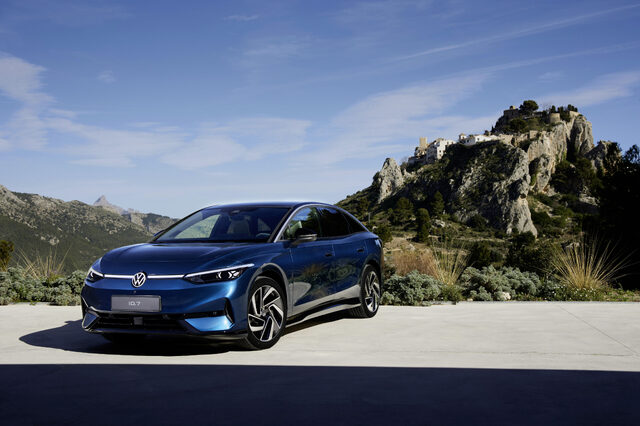
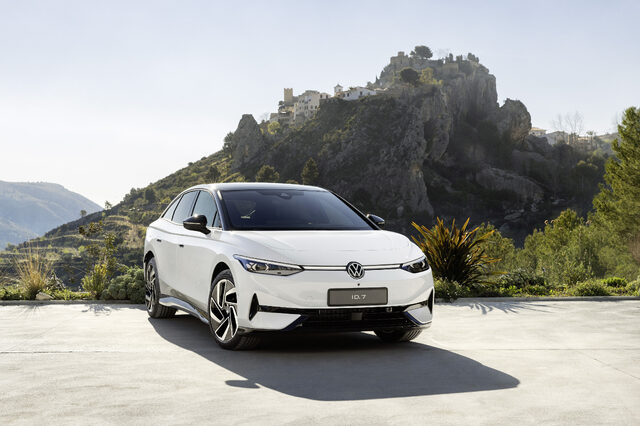
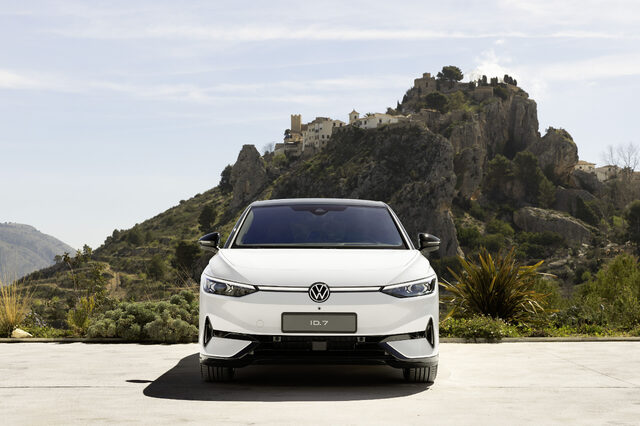
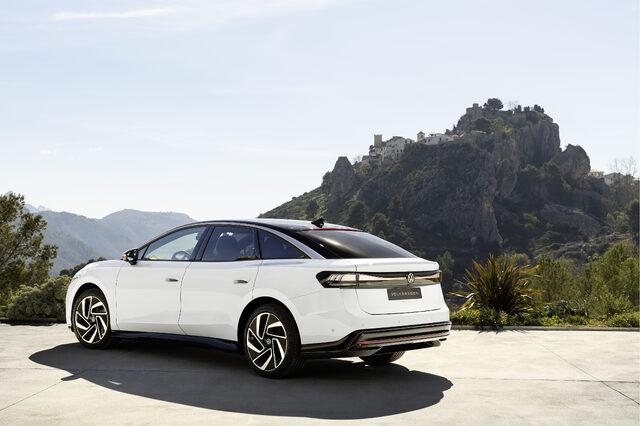
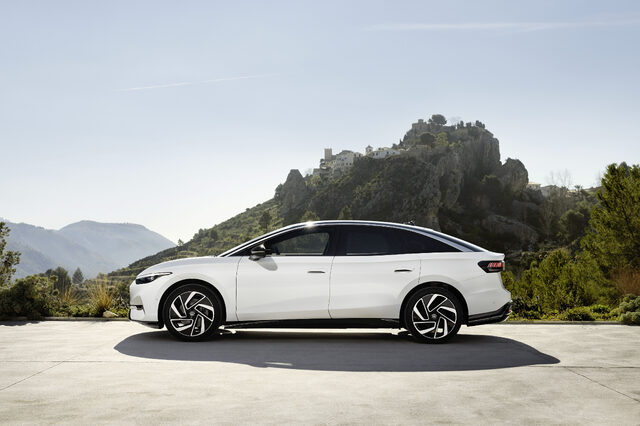
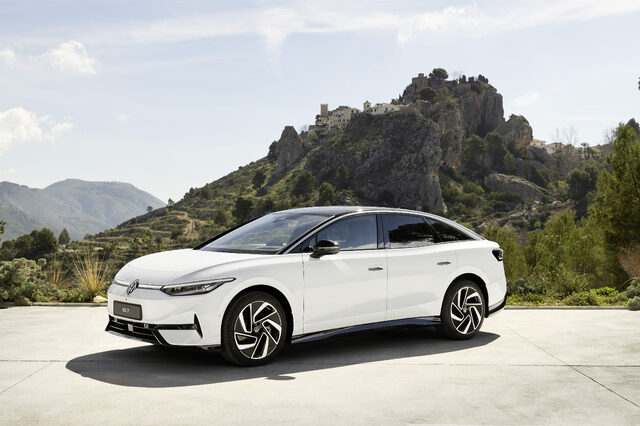
  5. I would agree that my first thought was a beefy EV car, but the press release calls it a coupe SUV. Maybe the bottom of the auto to the top is a certain height that pops into the SUV category due to the blacked-out section versus painted section. While it has a coupe car look, I think this is the deceptive section: It looks to me when you look at the full picture in the gallery like it could be 6 to 9 inches by the wheels and a good 12 inches on the doors.
  6. Cool website where you can see what EVs get what Credit. Federal Tax Credits for Plug-in Electric and Fuel Cell Electric Vehicles Purchased in 2023 or After (fueleconomy.gov)
  7. I agree, depending on how GM fully introduces the SnapDragon eco system and how they support cells, they could have lost me as a customer as my wife does everything on her phone and then goes to her SS, plugs in and the head unit continues her map setup she already did on the phone. Having a system that requires another account, if it does not sync with your android phone would be a deal breaker as my wife is not the type to log into a secondary account and if it does not sync with her cell phone where she does everything, it will be a FAIL as she is not a tech person like me and as such, we will move to an auto that supports Android Auto as a Happy Wife is a Happy Life. I had to laugh my friend as I was also wondering how 4 fits between 2 & 3. That is just batshit stupid.

Important Information

We have placed cookies on your device to help make this website better. You can adjust your cookie settings, otherwise we'll assume you're okay to continue.

Account

Navigation

Search

Search

Configure browser push notifications

Chrome (Android)
  1. Tap the lock icon next to the address bar.
  2. Tap Permissions → Notifications.
  3. Adjust your preference.
Chrome (Desktop)
  1. Click the padlock icon in the address bar.
  2. Select Site settings.
  3. Find Notifications and adjust your preference.